


Bonus terms & conditions apply.
Fair Go Casino Mobile App: Play Instantly on Your Mobile
The Fair Go Casino mobile app gives you a convenient way to access our casino from Android, iPhone, iPad and other mobile devices. Use our dedicated mobile client or play instantly in your browser, with the mobile layout built for quick access to your account and casino features.
Fair Go Casino App
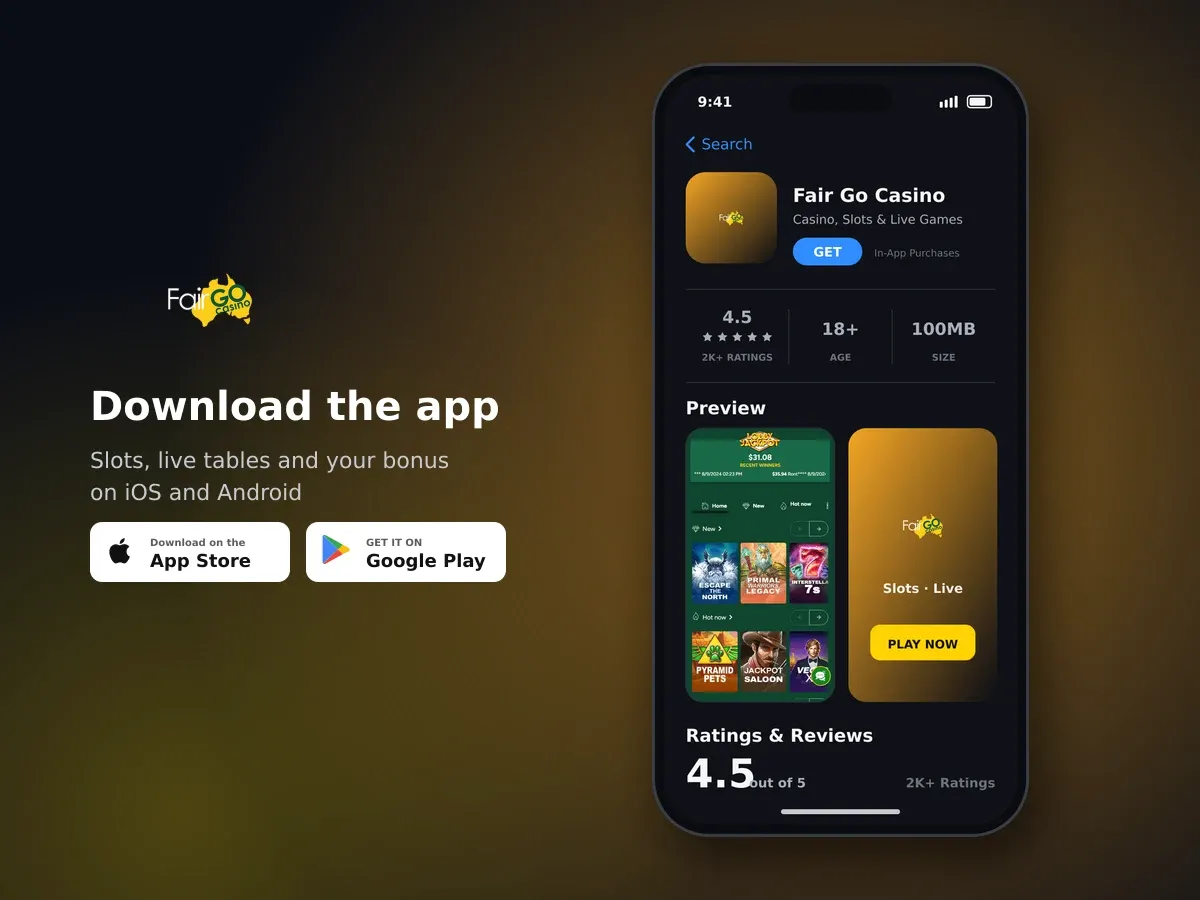
Fair Go Casino
- 4.5 2K+ ratings
- 100MBSize
- 18+Age
- 15K+Downloads
How the Fair Go Casino mobile app works on your device
Fair Go Casino supports mobile play through a dedicated mobile client and instant play in your browser. You can use an Android device, iPhone, iPad or another compatible mobile device to access the casino without needing a desktop computer.

Hundreds of slots, one account
The mobile experience is designed around touch controls and a compact layout. Core actions are kept close at hand, so you can move between the lobby, your account and available promotions without navigating a full desktop layout.
- Use the dedicated mobile client on supported Android and iOS devices.
- Play through instant access in a mobile browser.
- Use any browser, with Google Chrome recommended for best performance.
- Open account tools, promotions and messages from the mobile layout.
- Keep access to the same casino account when switching between mobile and desktop.
Chrome is recommended for the best performance
All browsers can be used on mobile, but Google Chrome is recommended when you want the smoothest performance.
Mobile controls that keep account actions simple
The mobile layout places the main account actions where you can reach them with a tap. The deposit button sits in the middle of the screen, while the Menu gives you access to messages and other account options.
For promotional codes, use the Coupon button on mobile. The Bonuses tab is available in the footer menu, giving you a direct route to available offers and bonus-related actions without switching to the desktop layout.
| Action | Mobile location | What it lets you do |
|---|---|---|
| Deposit | Button in the middle of the screen | Start a deposit from your mobile account |
| Coupon | Coupon button | Enter an available promotional code |
| Bonuses | Footer menu | Open the bonuses area |
| Promotions | Promotions tab | View current promotional activity |
| Messages | Menu > Messages | Open casino messages |
This arrangement means you do not need to search through several menus for the features used most often. Once you are familiar with the screen, the mobile controls make it easy to move from browsing to account management.
Promotional information may also appear in your casino inbox. Keep the Messages area in mind when using the mobile client, as some offers and updates are delivered there.
Using instant play in a mobile browser
Instant play lets you access Fair Go Casino directly through a mobile browser. This is useful when you want to play without using the dedicated mobile client, or when you are using a device on which you prefer browser access.
Open the casino in your chosen browser and use the mobile layout. Google Chrome is recommended, although all browsers can be used. The interface adapts to smaller screens so that the main controls remain accessible.
Use the browser you prefer on your Android device, iPhone, iPad or other compatible mobile device.
Open the casino and allow the mobile layout to load before using the account controls.
Use the central deposit button, Promotions tab, Coupon button or Menu depending on what you want to do.
Move between the lobby and account features using the touch controls shown on your device.
Instant play is also a practical option when you move between devices. Your mobile browser gives you another way to access the casino while keeping the same account-based experience.

Open your account today
For the clearest display, keep your browser updated and use a stable connection. If a screen does not load as expected, refresh the browser before trying the action again.
Mobile access across Android, iPhone and iPad
Our mobile client is available for Android, iPhone and iPad, as well as other mobile devices. You can choose the mobile option that suits your device and use touch controls to move around the casino.
The mobile client and instant play option are designed for flexible access. You can use a dedicated mobile experience when you want it, or open the casino in a browser when that is more convenient.
- Android devices are supported through the mobile client.
- iPhone and iPad users can access the mobile casino.
- Other mobile devices can use instant play in a browser.
- Google Chrome is the recommended browser for performance.
- The mobile layout provides access to promotions, messages and account controls.
Your choice of access method does not change the simple structure of the mobile layout. The deposit control, Coupon button, Promotions tab and Menu remain the main routes for common account actions.
Mobile access is intended for players aged 18 and over. You should only participate where online gaming is legal for you, and you can use deposit limits or self-exclusion tools if you want additional control over your play.
Keeping your mobile play secure and in your control
We use 128-bit SSL encryption for all transactions. This helps protect the information exchanged when you use account and payment features on mobile.
Responsible gaming tools are available for mobile players. You can ask customer support to apply a daily or monthly deposit limit, and you can request self-exclusion for a week, a month, a year or permanently.
- Use a private device and keep your account details secure.
- Log out when using a shared device.
- Set a daily or monthly deposit limit through customer support.
- Use self-exclusion when you want your account frozen for a chosen period.
- Take regular breaks and treat play as entertainment with real financial risk.
Our 24/7 Live Chat is available every day, alongside email support and a call-back request option. If you need help using the mobile client or browser layout, support is available in English.
Mobile play still uses real money
Set limits before you play and only use money you can afford to lose. Gambling should remain entertainment, not a way to manage everyday finances.
A simple mobile routine for everyday access
The mobile client is built for short, straightforward sessions as well as longer visits. Start by opening the client or browser, then take a moment to decide what you want to do before selecting an account action.
- Choose the dedicated mobile client or instant play in your browser.
- Open the mobile layout and confirm that the connection is stable.
- Use the Menu to check messages or the Promotions tab for current activity.
- Set or check your personal limits before making account decisions.
- Finish by logging out if you are using a shared device.
If you use promotional codes, the Coupon button is the mobile route for entering them. The Bonuses tab in the footer menu is where you can open bonus-related information, while messages may contain personalised updates.
You can contact our support team at any time through 24/7 Live Chat if you need help with mobile access. Email support and a call-back request option are also available.
Ready to use Fair Go Casino on mobile?
Choose instant play in your browser or use the dedicated mobile client on your compatible device.
Mobile App: questions and answers
Does Fair Go Casino have a mobile app?
Fair Go Casino offers a dedicated mobile client for Android, iPhone, iPad and other mobile devices. You can also use instant play through a mobile browser.
Can I use Fair Go Casino on an iPhone or iPad?
Yes. The mobile client supports iPhone and iPad devices, and you can also access the casino through a mobile browser.
Which browser should I use for mobile play?
All browsers can be used. Google Chrome is recommended for the best performance.
Where do I enter a promotional code on mobile?
Use the Coupon button in the mobile layout. The Bonuses tab is available in the footer menu.
Where can I find messages on mobile?
Open the Menu and select Messages. Your casino inbox may contain promotional information and other updates.
Can I set a deposit limit from my mobile account?
Daily or monthly deposit limits can be applied by contacting customer support through email or chat. You can also request self-exclusion for a chosen period.
Is mobile play secure?
We use 128-bit SSL encryption for all transactions. Keep your device and account details secure, particularly when using a shared device.